Your Ultimate Guide to Catsentence 🐱
Welcome to the lab! Catsentence is built for Active Immersion. We do not do boring memorization — we do contextual patterns. Here is how to get the most out of our five core modules.
The Grammar Engine
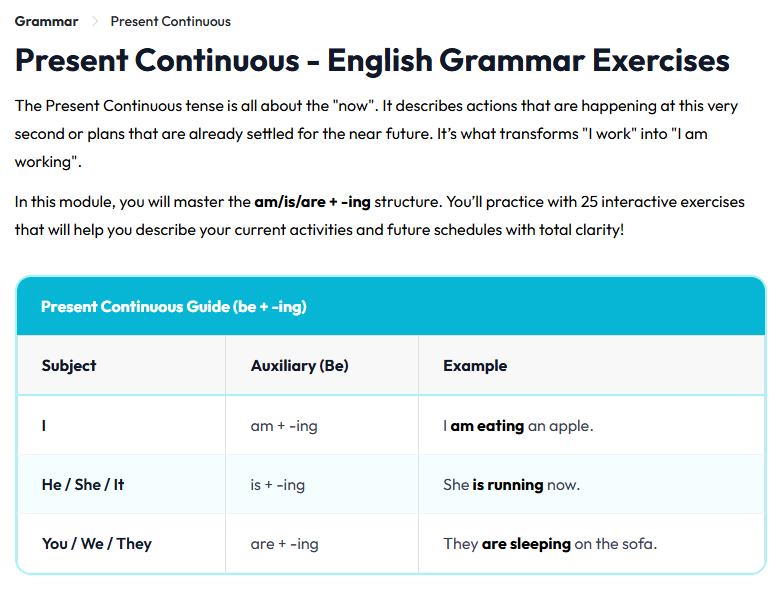
Forget formulas. The Grammar Engine builds intuition — not a rule list you recite and forget. You are given a sentence broken into individual word cards and asked to arrange them in the correct order by clicking each word into place.
Every selection is an active decision: does the auxiliary come first? Where does the adverb belong? This word-by-word construction forces your brain to process sentence structure as logic, not as memorized patterns.
After every correct answer, the Explanation Bridge appears — a short, plain-English breakdown of the grammatical rule you just applied. Over time you stop consciously thinking about rules and start feeling when a sentence sounds right.
Focus Mode removes all screen distractions so only the question remains. Keyboard shortcuts let you confirm answers with Space or Enter and navigate with arrow keys, so you can drill at full speed without touching the mouse.
Vocabulary Lab
Memorizing translation lists is the slowest way to build vocabulary. Every time you want to use a word, your brain has to retrieve the translation first and then convert it. The Vocabulary Lab skips that chain entirely.
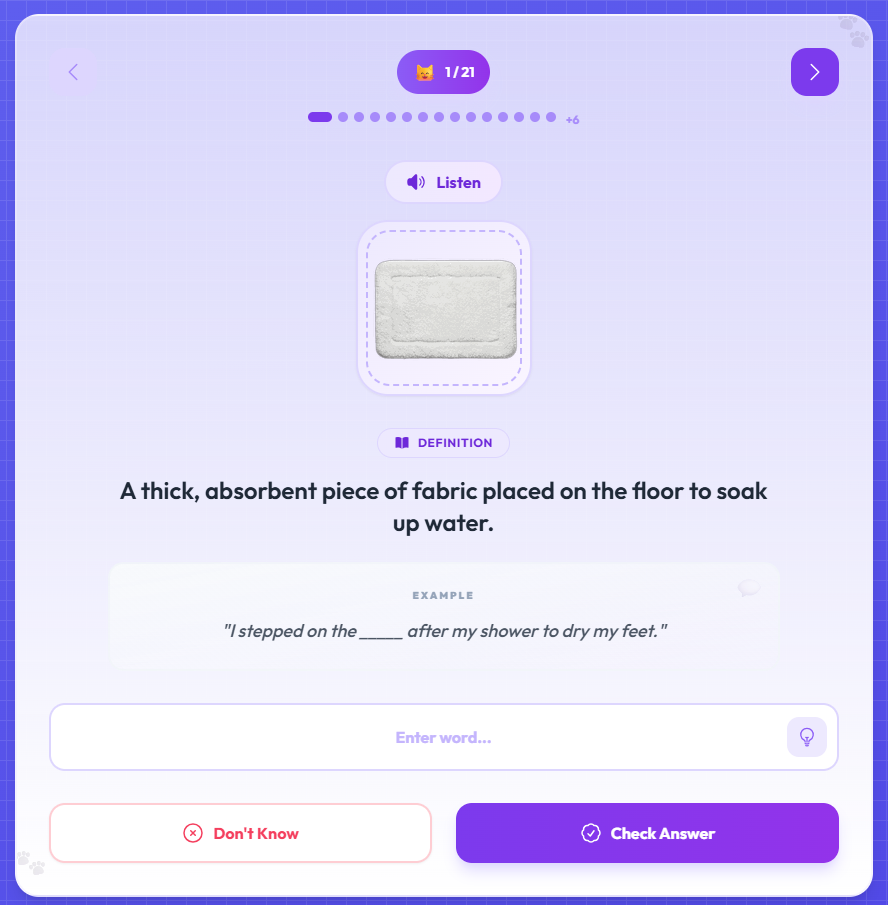
Each flashcard pairs a word with a high-resolution image and a native audio clip. The first time you see a card, you observe: look at the image, listen to the pronunciation, read the example sentence in context.
Then the card switches to Challenge Mode. The word is hidden, the audio plays, and you type it from memory. No multiple choice — you spell it out. This active recall step is what locks words into long-term memory rather than just short-term recognition.
The Hint button gives you the first letter and a definition nudge. Use it sparingly. Cards you get wrong stay in rotation until you get them right — no word gets skipped permanently before the unit is complete.
Listening & Dictation
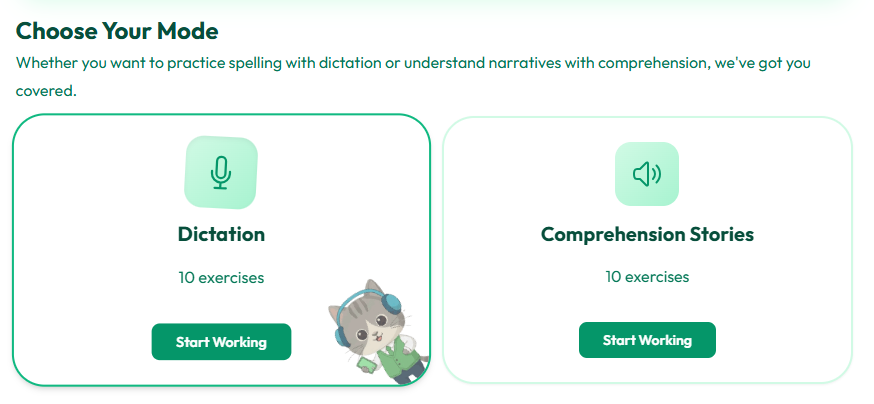
Catsentence offers two listening modes that train different weaknesses. Choose based on what you need to work on.
Dictation is precision training. You hear a real sentence at natural speed and type exactly what you heard. Each page gives you five sentences shown as waveforms you can replay freely. When you check your answers, they are scored using a similarity algorithm — not an exact match — so a small spelling slip does not punish you, but a misheard word shows up clearly.
After checking, the correct sentence appears next to yours. Study that comparison carefully: replay the audio for each missed sentence and locate the specific word that tripped you.
Comprehension mode is big-picture training. You listen to full audio stories told in chapters, then answer multiple-choice questions about what happened. Replay the chapter as many times as you need. A transcript toggle is available after your first unaided listen if you want to confirm specific details.
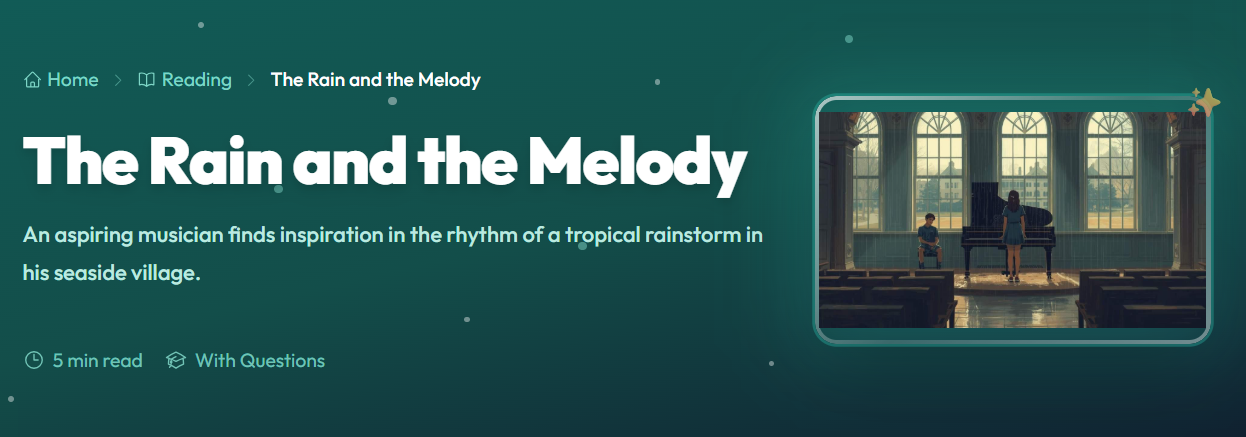
Reading Library
Reading well in English means tracking ideas, inferring meaning from context, and following logic across paragraphs. The Reading Library trains all of that.
Every story comes with a native audio narration you can play while you read, which naturally reinforces pronunciation and rhythm. Any word you do not know is clickable — Smart Lookup shows its definition tied to the specific sentence you are reading, not a generic dictionary entry.
After the story, you answer comprehension questions that go beyond simple recall. They test inference: why a detail was included, what a sentence implies about a character, how the tone shifts. These are the questions that separate true comprehension from surface-level reading.
After submitting, your score appears with per-question explanations. If you missed something, re-read the relevant passage before moving on — the explanation tells you exactly where to look.
Writing Workbook
Reading and listening are input skills. Writing is output — and output is where most learners stall. The Writing Workbook pushes you past that by giving you real prompts, clear targets, and immediate feedback.
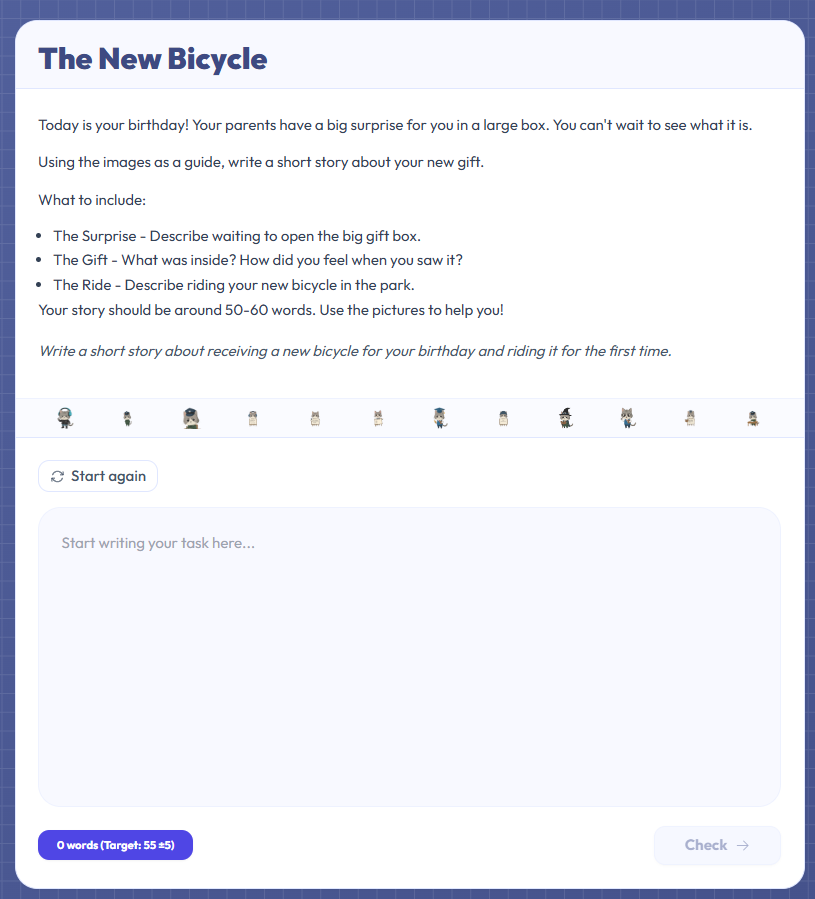
Each task comes with a prompt, instructions, and a word count target to hit within plus or minus five words. That tight range trains precision — you learn to say exactly what needs to be said, not more and not less. A live counter updates as you type, and a built-in timer adds useful pressure if you want to simulate timed conditions.
As you write, Harper.js — a grammar engine that runs locally in your browser — highlights errors with specific rule explanations. You can apply a fix with one click or dismiss it. It is a grammar coach, not an autocorrect.
After submitting, you receive a similarity score comparing your response to a model answer. Use it to reflect on your approach — not as a grade, but as a starting point for your next draft.