
Level Up Your Grammar Skills! 🚀
Stop memorizing rules you will forget by tomorrow. The Grammar module turns sentence structure into a hands-on skill you build by doing — not by reading about it.
What's the Deal?
The Grammar module gives you 400+ interactive exercises organized into topic sets — from fundamental subject-verb agreement and basic "to-be" structures right through to advanced conditionals, reported speech, and complex clause construction.
Every exercise is built around a single grammar concept so you are never mixing topics mid-session. You pick a topic, work through its exercises in one sitting, and leave with that pattern locked in before moving to the next one.
The approach here is active construction, not passive reading. You will never read a rule and be asked to fill in a blank. Instead, you build complete sentences from scratch, which is the only practice format that actually transfers to real-world use.
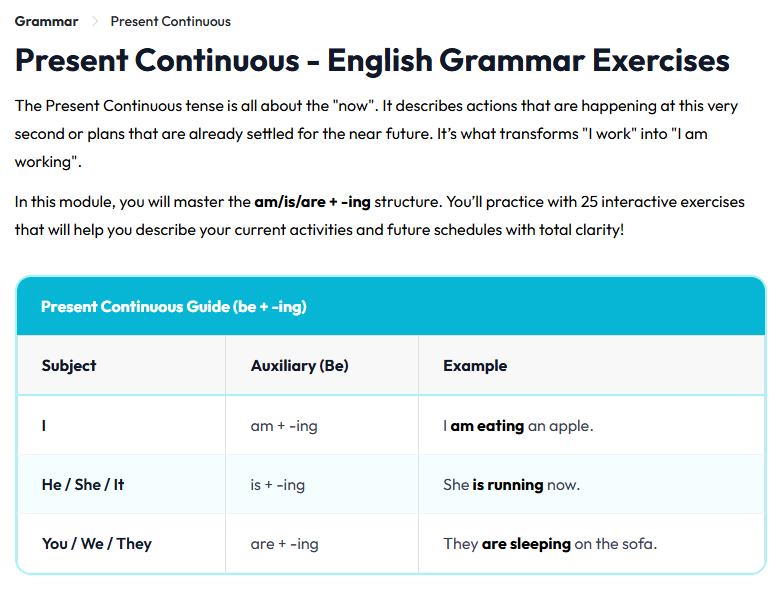
The Game Loop
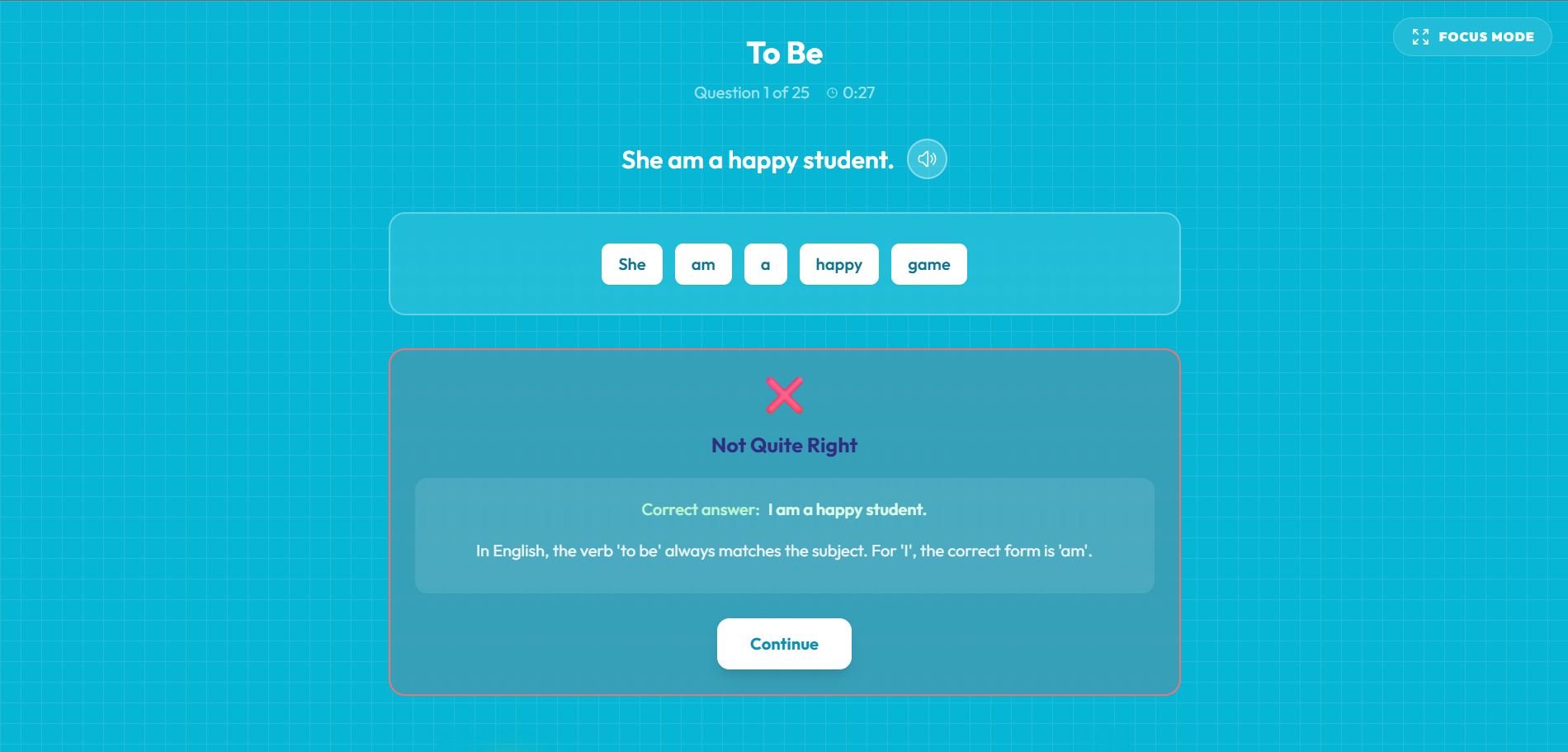
Each exercise presents a sentence broken into individual word cards laid out in scrambled order. Your task is to click the words one by one into the correct sequence. There is no word bank to narrow down your choices — the full set is visible, and you have to decide what goes where.
Every word you place is a real grammatical decision. Do you put the auxiliary verb before or after the subject? Does the time phrase come at the start or the end? These micro-decisions are what train pattern recognition over time.
When you submit, correct answers get a clean green confirmation. Wrong answers get a visible shake — a quick signal to reconsider rather than a punishing block. You can fix your answer and try again immediately, as many times as needed.
Pro Tip: Use the Shortcuts! ⌨️
Once you learn the keyboard shortcuts, you can move through grammar exercises at significantly higher speed — no clicking required.
Press keys 1 through 4 to select the highlighted word options, Space to confirm and advance to the next question, and Backspace to remove the last word you placed if you want to rethink your choice. After a few sessions the rhythm becomes automatic.
For deeper focus sessions, hit the Focus Mode button to strip out everything except the question itself. The sidebar, navigation, and all surrounding elements disappear, leaving just you and the sentence.
- Keys 1–4: Select word options
- Space: Confirm and advance
- Backspace: Undo last word placed
The Deep Dive (Explanations)
After every correct answer, the Explanation Bridge appears. Do not skip it — this is the part that turns practice into understanding.
The explanation shows the specific grammatical rule behind the sentence you just built: why the present perfect is used here instead of the past simple, why the passive construction requires this word order, why that clause needs a comma. The explanations are written in plain language, not textbook grammar terminology.
Over time, the explanations compound. Each one reinforces the last. You stop thinking "what is the rule?" and start feeling when something is right or wrong — which is exactly how fluent speakers process grammar.
Tracking Your Progress
Every topic you complete is recorded in your profile. You can see at a glance which topic sets are finished, which are in progress, and which you have not started yet.
Completing a full topic set unlocks the Sharpshooter badge if your accuracy was high. You can also track your average completion time per session, which gives you a concrete measure of how much faster your pattern recognition is getting over weeks of practice.
If you revisit a topic set, your previous session stats are preserved so you can compare your improvement directly.