
Learn Every Way We Practice! 🧩
Catsentence combines multiple exercise formats so you can practice recognition, comprehension, and production in one seamless learning flow. Each format targets a different cognitive skill — knowing the difference helps you choose the right exercise for what you need to improve.
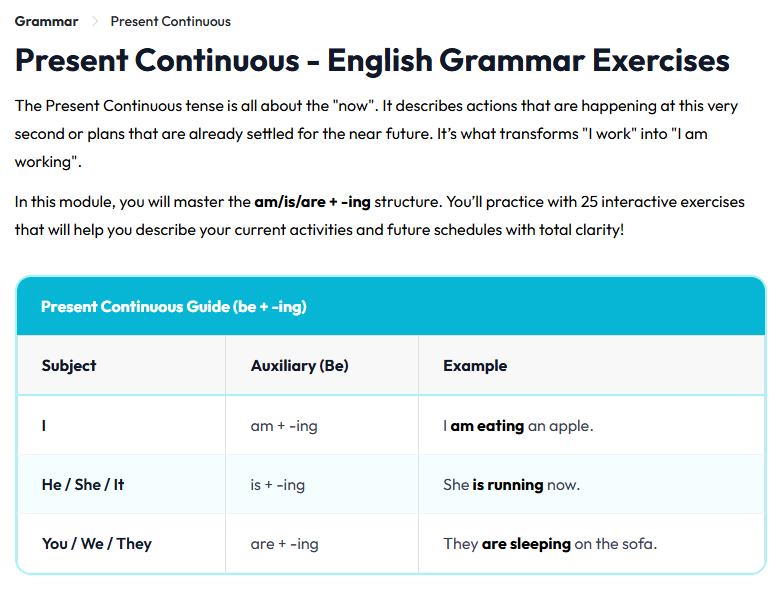
Grammar Builder
Instead of reading a rule and trying to apply it later, the Grammar Builder gives you a scrambled sentence and asks you to rebuild it by clicking words into the correct order. Every word you place is a real decision — verb or auxiliary? Adverb here or at the end? This trains your brain to treat grammar as logic, not a list to memorize.
Each exercise focuses on a specific topic: present perfect, passive voice, conditionals, and so on. Sentences start straightforward and gradually introduce edge cases within the same topic.
After every answer, you get immediate feedback — green for correct, a shake for wrong. Then the Explanation Bridge appears: a short, plain-English explanation of the rule behind the sentence you just built. These explanations answer the "why" that most textbooks skip.
A question nav bar at the top lets you jump to any item, check your status at a glance, and skip difficult ones to come back later. The Focus Mode button strips everything else away so only the question is on screen — useful for serious drills.
Vocabulary Recall
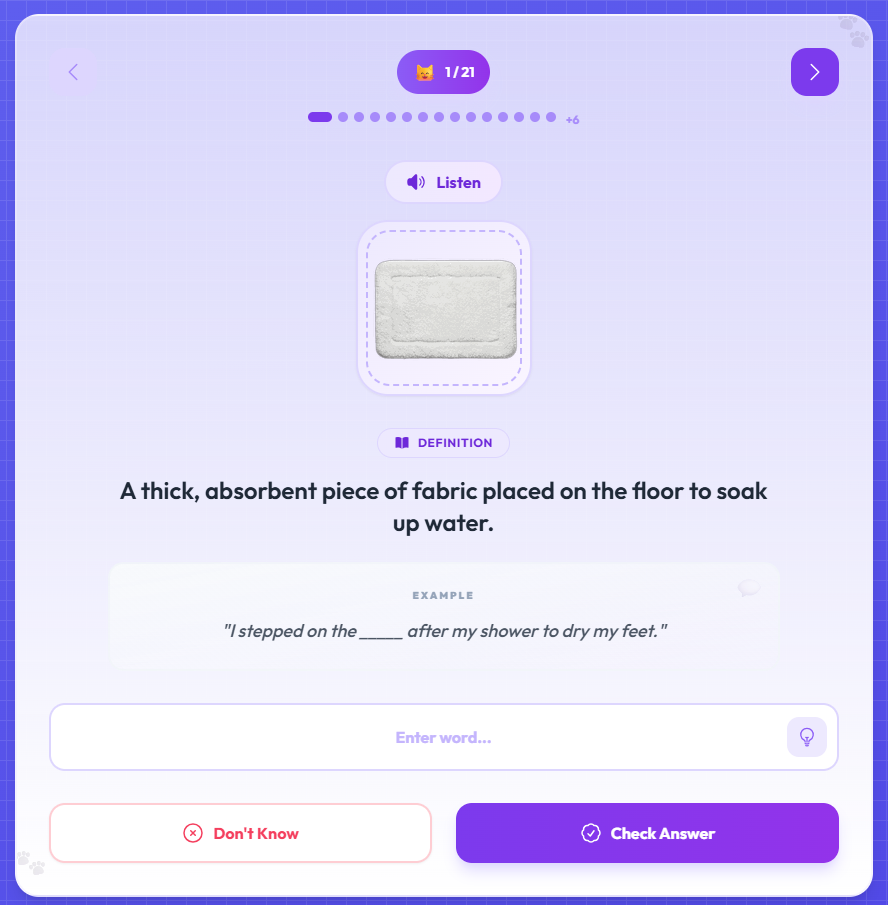
Vocabulary Recall works in two distinct phases, and the second is what makes it actually effective.
In the first phase, you see the word paired with a high-resolution image and hear a native speaker pronounce it. You also read an example sentence in natural use. This exposure phase is fast — the goal is to build a first impression, not memorize yet.
In the second phase, the word is hidden. The audio plays, and you must type it from memory. No multiple choice, no word bank — you actually spell it out. If you type correctly, the card is marked complete. If you are wrong, the correct spelling appears, the audio replays, and the card stays in rotation until you get it right.
The Hint button gives you the first letter and a short definition clue. Use it when you genuinely cannot remember, not as a shortcut. A progress bar at the top updates every time you get a card right, showing how far through the unit you are.
Listening Labs
The Listening Labs cover two distinct skills that both fall under "listening" but require separate practice.
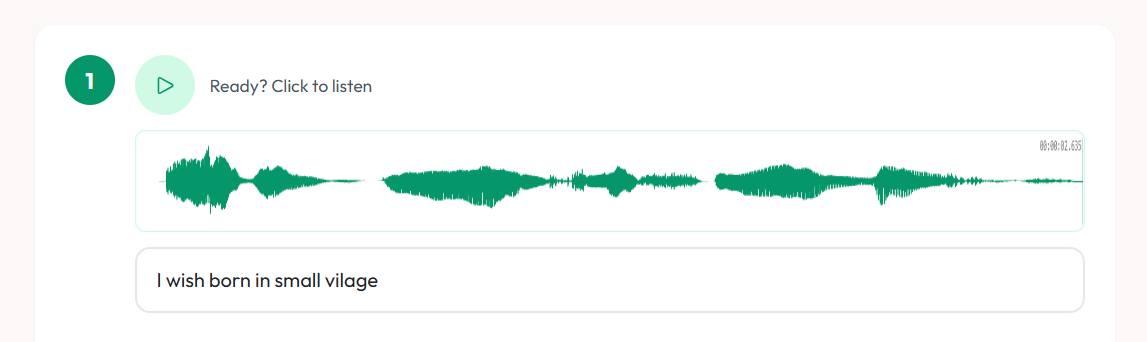
Dictation trains precision at the sound level. You hear a native speaker say a sentence at full natural speed and type exactly what you heard. Each exercise gives you five sentences displayed as waveforms you can replay as many times as you want.
When you hit "How Did I Do?", your answers are scored using a text similarity algorithm — not an exact match check. A minor spelling slip does not kill your score, but a misheard word shows up clearly. The correct sentence then appears beside yours so you can see exactly where your ears let you down.
Comprehension mode trains you to follow longer stretches of real English speech. You listen to an audio story told in chapters, then answer multiple-choice questions about what happened — the characters, the events, the implications.
You can replay each chapter as many times as you need. A transcript toggle lets you read along after your first unaided listen. The questions are written to confirm you followed the narrative, not just heard the words.
Reading & Insight
Reading comprehension is not just decoding words — it is inference, attention, and retention. Stories in the library are written for specific levels, from intermediate to advanced, and come with native audio narration you can play while you read.
Any word in the text is clickable. Clicking opens Smart Lookup: a compact overlay showing the definition tied to that specific sentence, not a generic dictionary entry. Dip in, grab the meaning, return to reading — it is designed to be a quick reference, not an interruption.
After finishing the story, you move into the comprehension quiz. Questions probe for inference — why a detail was included, what a sentence implies — not simple recall like character names.
After submitting, your score appears with per-question breakdowns and a brief explanation for each correct answer. Stories are tagged by reading time and difficulty, so move up one level when you consistently score above eighty percent.

Writing Production
Writing is the format that most directly reveals gaps in everything else you have learned. Grammar mistakes glossed over in a builder exercise, vocabulary you only half-remembered, sentence patterns you recognized but never produced — all of them surface the moment you face a blank screen.
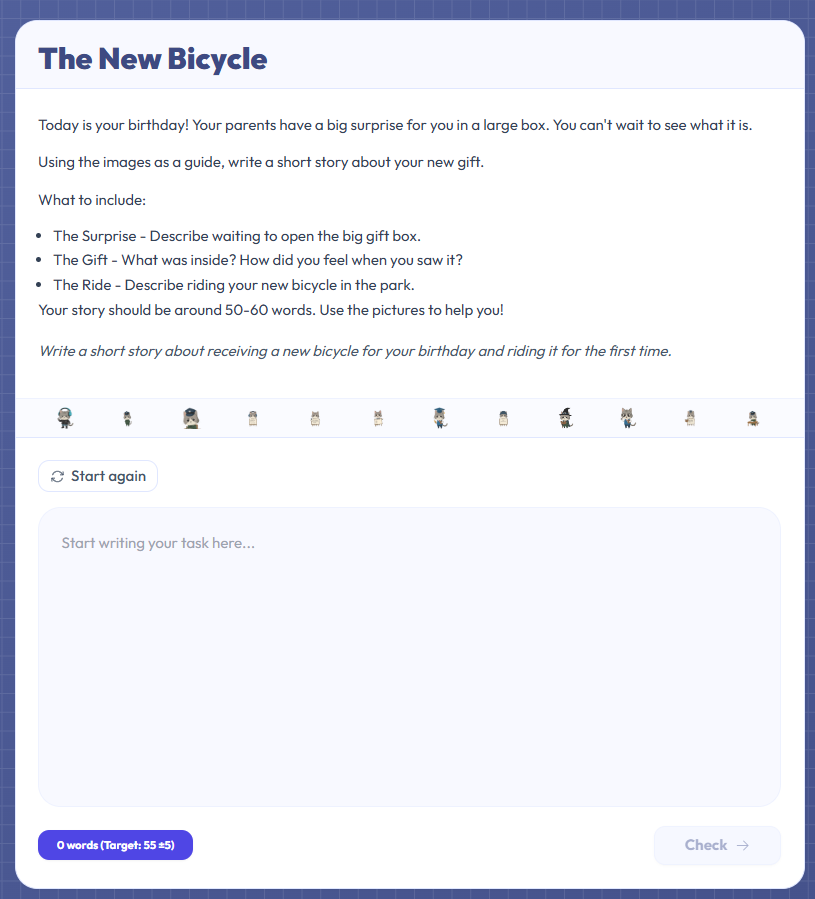
Each task gives you a prompt, a set of instructions, and a word count target to hit within plus or minus five words. That narrow target is intentional — it trains you to communicate precisely instead of padding or cutting short.
As you write, Harper.js — a grammar engine that runs entirely in your browser — highlights errors with specific rule explanations, not generic flags. You can apply a suggestion with one click or dismiss it if you disagree. It is a real-time grammar coach, not an autocorrect.
After submitting, you receive a similarity score comparing your draft to a model response. A low score does not mean you were wrong — it means your approach differed, which is worth examining.
Progress & Achievements 🏆
Every exercise contributes to your progress profile. Performance is tracked separately across all five modules, so you get an honest picture of where you are strong and where you have gaps — not a single averaged score that hides weak spots.
Experience Points (XP) are earned when you complete exercises or finish full sessions. The XP system rewards consistency over cramming: five exercises across five days earns more than twenty-five in one day, because spaced practice builds stronger retention.
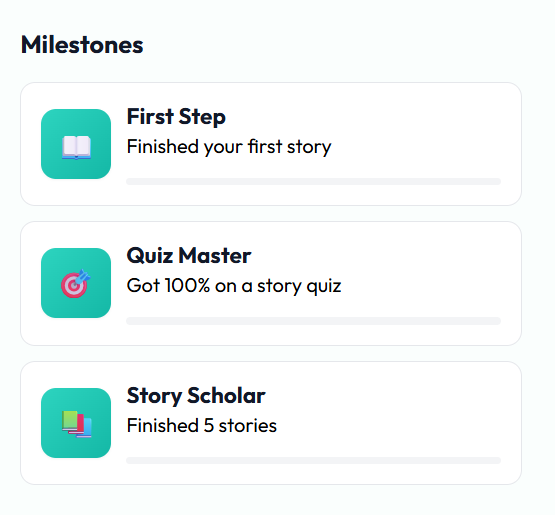
Achievement Badges are awarded for specific milestones — finishing a grammar topic set, completing a vocabulary unit without hints, scoring above ninety percent on a dictation, reading ten stories, submitting five writing tasks. They give you concrete short-term goals inside each module.
The daily streak counter tracks consecutive days of practice. Missing a day resets the streak but your XP and badges stay. Performance analytics show accuracy trends over time per module, so you can see whether you are improving or have plateaued.
- Experience Points (XP)
- Custom Achievement Badges
- Daily Consistency Streaks
- Performance Analytics